Guide for customers
What somebody at a customer sees — signing in to the Customer Center, documents, appointments, invoices, signing and booking pages
This guide is for the people at an organisation's customers, and for staff who want to know what their customers see. Customers never see Enclessa's own screens: they sign in to the Customer Center, sign documents through a link, and book appointments on a public page. None of it needs an Enclessa account.
What you can do
What you may do in the Customer Center is set for you personally by the organisation you work with. It can include:
- Read documents (always on)
- Upload files
- Sign
- Book appointments
- Work through the onboarding
- See invoices
A step or page your access doesn't allow says so and names who can turn it on.
Sign in to the Customer Center
The navigation is Start, Steps, Documents, then Appointments and Invoices if your access includes those. Under Account you choose your Language and Appearance, and Sign out.
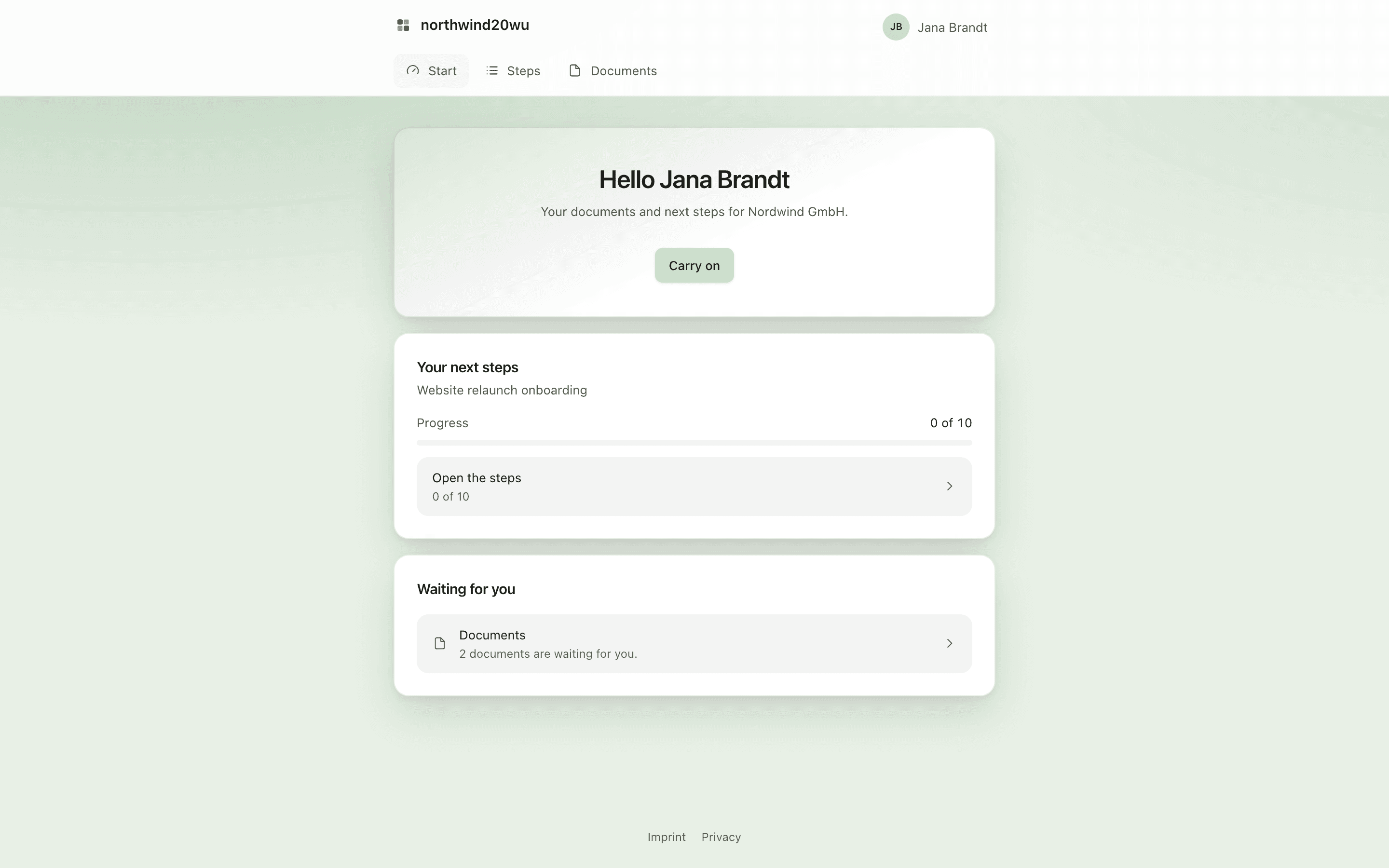
Work through your onboarding
Read and sign documents
Only a business can accept a quotation in the Customer Center. A consumer accepts another way, as agreed with the organisation.
Book and see appointments
See your invoices
Open Invoices. Still open shows the totals, followed by Open, Paid and other documents and Voided, each with a PDF to download.
Sign a document sent by email
Some documents arrive as a signing link by email instead of in the Customer Center.
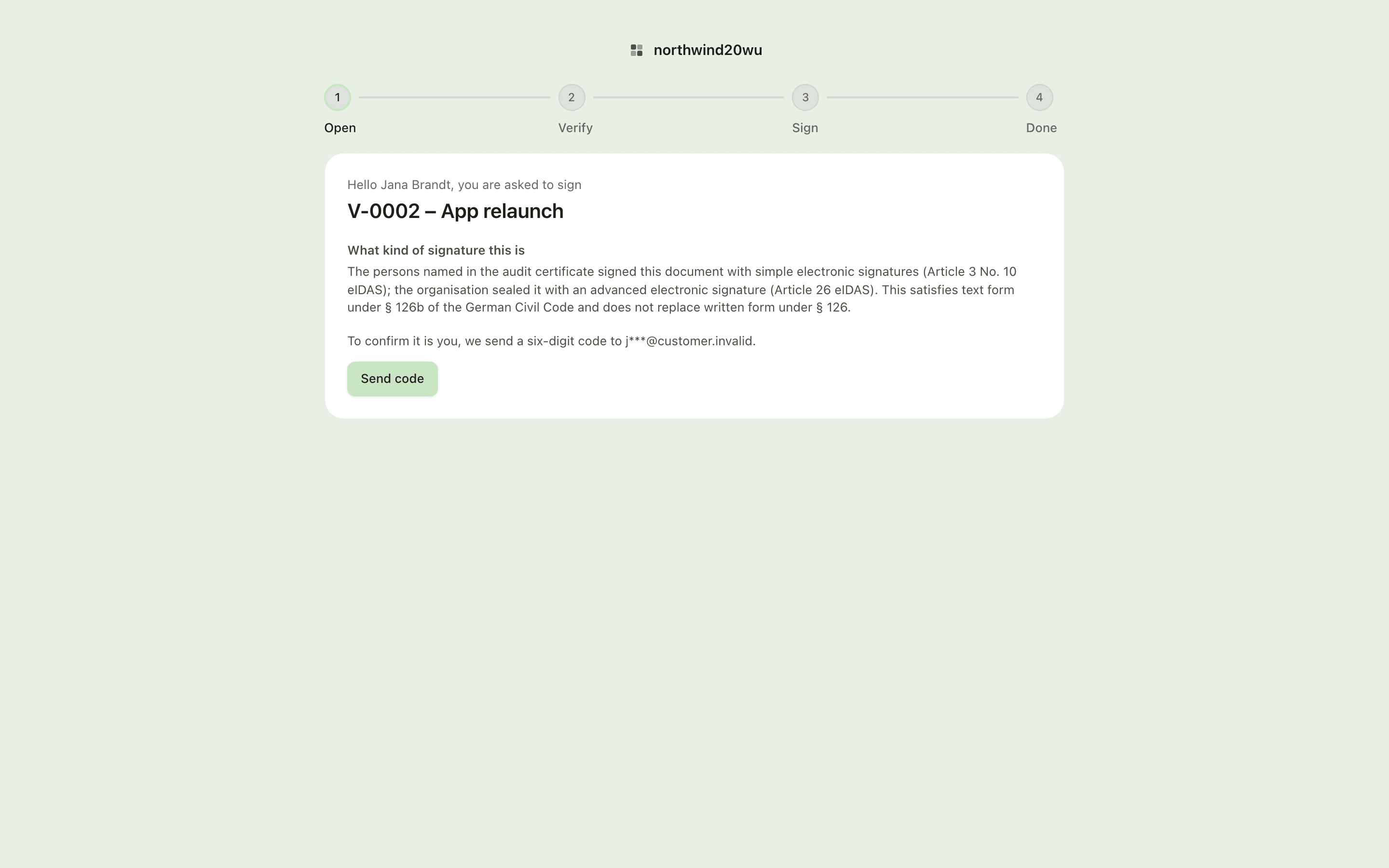
The signed copy can be downloaded for thirty days after the last signature — save it. If the page says "This link no longer works", ask the sender for a new link.
See Sign as a customer or external recipient.
Book through a booking page
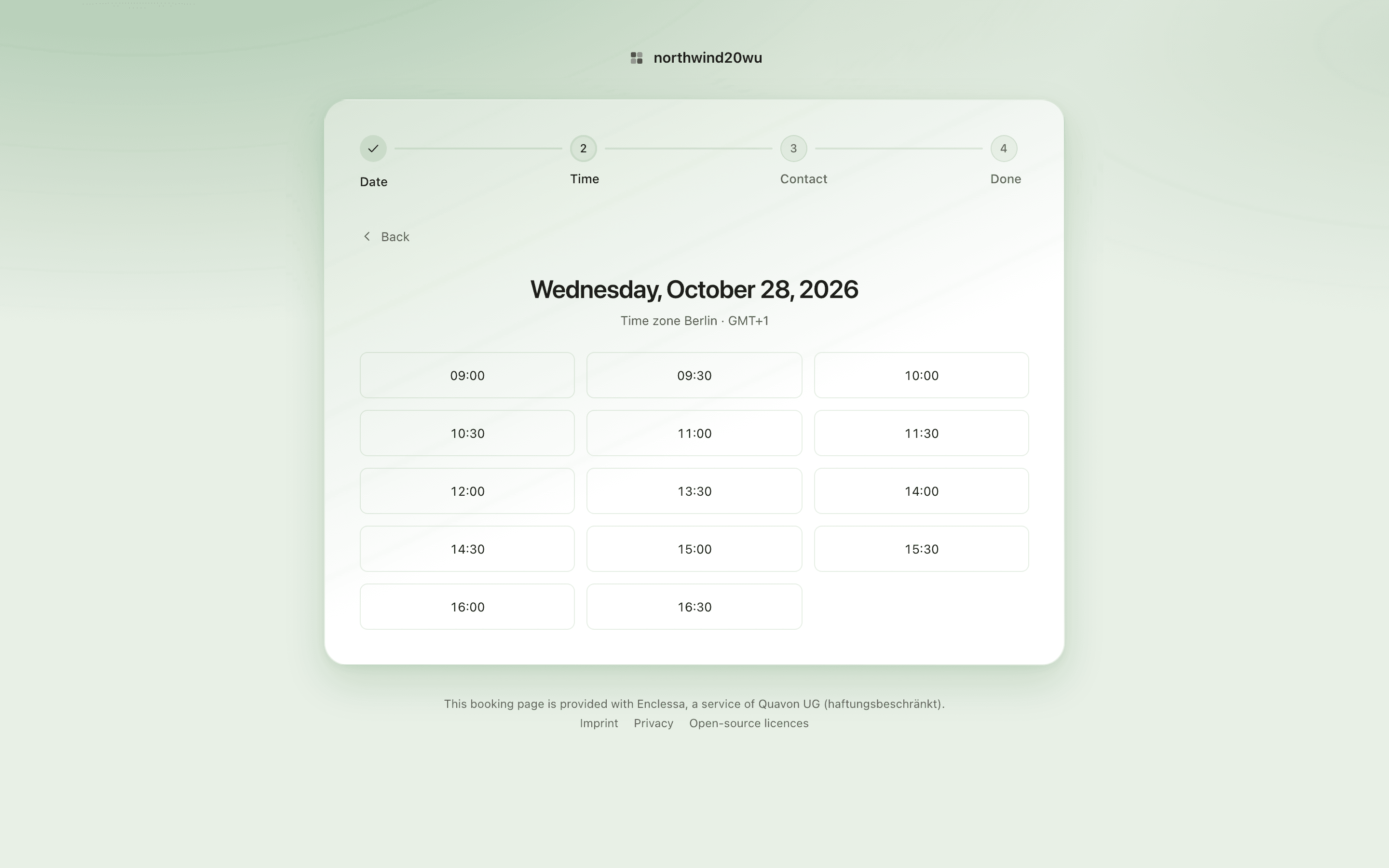
For staff: giving a customer access
Sign is the one option not ticked by default — decide on it for each person. Access lapses by itself after 180 days by default; Revoke stops it immediately.
See Give someone at a customer access.
Who can do what
| Who | Can |
|---|---|
| A person at a customer | Only what was ticked for them, on their own customer record |
Staff with portal.identity.manage | Invite, send sign-in links, revoke, change a person's options |
Staff with portal.send | Send and withdraw document packets, activate onboardings, share files |
The customer-side options belong to one person and their own customer record. They are not roles and can never be given to a colleague. See Customer Center roles and permissions.